
Send & Recieve
Money Globally
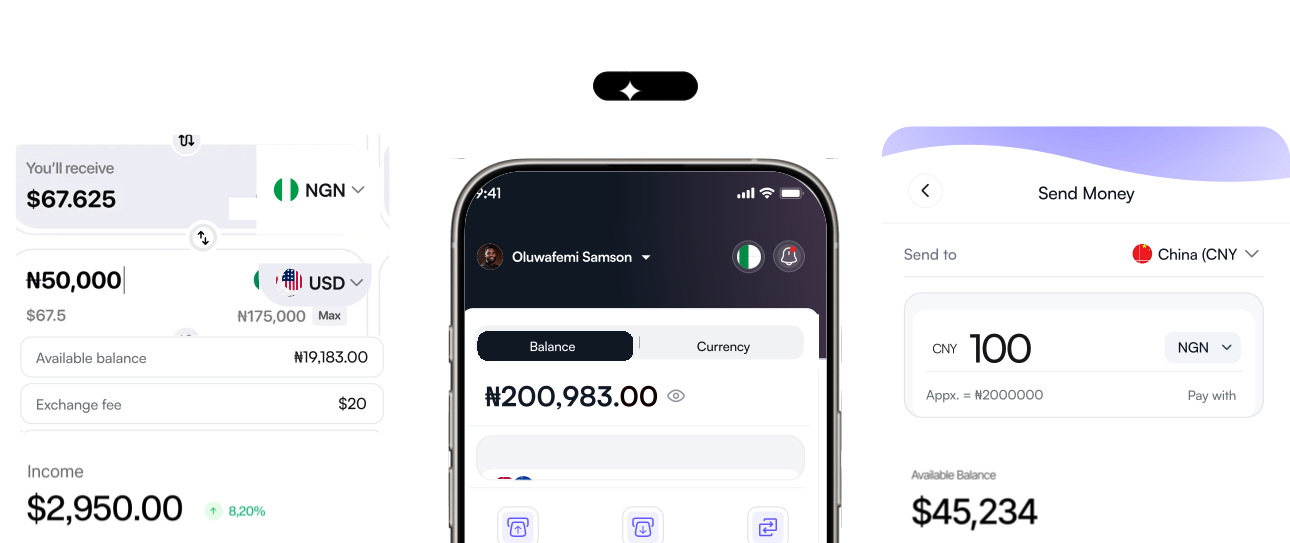
Global USD & EUR accounts, Global payout
For freelancers, creators, importers and global team


Partners and Communities







Upesa adapts to your needs
One app, two powerful modes. Choose your purpose during sign-up and unlock a tailored financial experience.
For Personal Use
Select this option if you intend to use the app for personal purposes like sending money home, on-ramp and off-ramp, sending money abroad, etc

For Business Use
Select this option if you are a business exploring payroll payment, suppliers payment, treasury management, bulk stablecoin purchase, etc.

Everything you need to move money globally
Built for speed, security, and scale — features available for personal and business users alike.

Secure Wallet with MPC Technology
Enterprise-grade security with Multi-Party Computation ensures no single point of key exposure. Your funds are protected with military-grade encryption.

Instant Payment
Send and receive money at the speed of sending a text. P2P and Real Time Payment settle immediately while T+1 payment settles in hours not days.

Zero Maintenance Fees
No hidden charges for account management. Keep more of your money without worrying about monthly fees eating into your balance.

Lowest Processing Fees
Competitive rates on all transactions. Save money on every payment whether you are sending to individuals or businesses globally.

Zero Transaction Fees
Pay zero fees on P2P transactions. Transfer money without worrying about cost adding up.

Direct Stablecoin Deposits
Seamless conversion between stablecoins and fiat currency. Flexibility to hold and transfer in your preferred currency.
Powerful solutions for personal and business users
Three core capabilities available to all Upesa users regardless of their chosen purpose.

Global Account
Receive payments through local bank transfers in multiple currencies like NGN, EUR, GBP and many more
Explore Now →Global Payout
Send money to 30+ countries with competitive FX rates, transparent pricing and near-instant settlement times unbeatable by traditional banks.
Explore Now →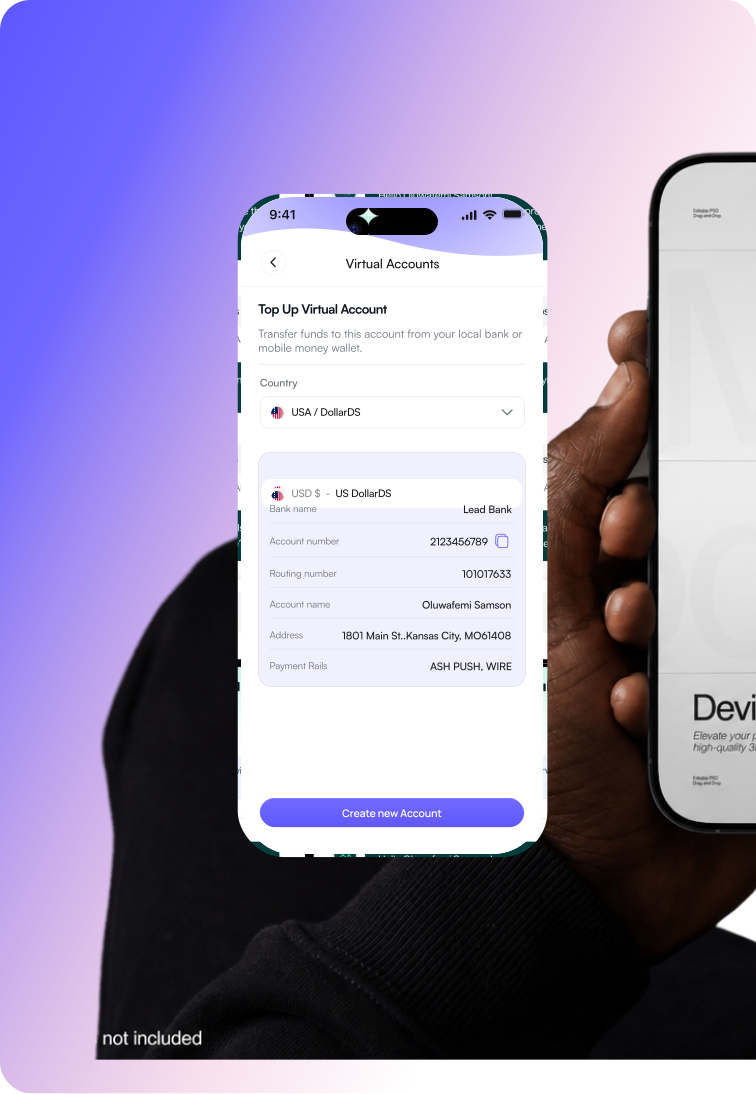
How users benefit from our solutions
From freelancers to crypto natives, Upesa unlocks borderless financial freedom for everyone.
Get paid globally from international platforms like Upwork, Toptal, and more with Global USD/EUR accounts.


Where technology meets payment to deliver at the scale and reach of the internet
Upesa combines cutting-edge technology with innovative banking solutions to deliver faster, smarter, and more secure financial experiences for every user.

$500,000+
Total processed
30+
Supported countries
20,000+
Trusted by users
Choose your path
Supported currencies and blockchain networks
Built on Stellar blockchain with multi-currency support and enterprise payment rails.

Discover how we helped customers transform their finances

David Onyilimba
Co-founder, Play2Learn Games
Upesa possesses a top notch customer service and gives me a very seamless user experience till date.

Yussuff Mojolaoluwa
Freelancer
A payment platform you can trust as a freelancer

Adedeji Q.
Web3 enthusiast
Upesa is hands down the best instant payment app I've used! From the moment I opened it, the interface felt smooth and intuitive, no confusion, no hassle.

Wahab Adeleke
Freelancer
Upesa made managing money effortless. Sending, and receiving is instant. It feels like a financial platform truly built for our generation simple, fast, and empowering.

Edidiong
Entrepreneur
Upesa is such a trail blazing mobile first application that meets your payment needs, I really appreciate how I can seamlessly send local and foreign currencies with no hassles. Setting up was super easy and their customer service team is stellar.

EdwinXploit
Freelancer
I have been using UPESA for a while now and i can affirm that it's a unique product fixing a major utility problem. As a freelancer, Upesa makes the services i render fun as i enjoy my payment stress free. Special shout out to the Founder and team. Keep building.
Rated 4.9/5 from over
600 review